

SERVICES / CRM SERVICES
Transform customer relationships with smarter, connected CRM solutions
Unlock the potential of Microsoft Dynamics 365 CRM and Power Platform with scalable, customized solutions that streamline business processes, improve customer engagement, and connect your enterprise applications.
Our CRM Services
From CRM customization and data migration to intelligent automation and system integration, we deliver end-to-end solutions tailored to your business needs.

Dynamics 365 CRM Solutions
Enhance customer engagement and business efficiency with Microsoft Dynamics 365 Sales, Customer Service, and Customer Insights – Journeys. We customize CRM processes, dashboards, and workflows to simplify sales management, customer support, and marketing automation.
Custom Development & Data Migration
Extend your CRM capabilities with custom plugins, business logic, and Microsoft Dataverse solutions. Our development and migration services help modernize legacy systems, synchronize CRM environments, and ensure data integrity throughout the transition process.
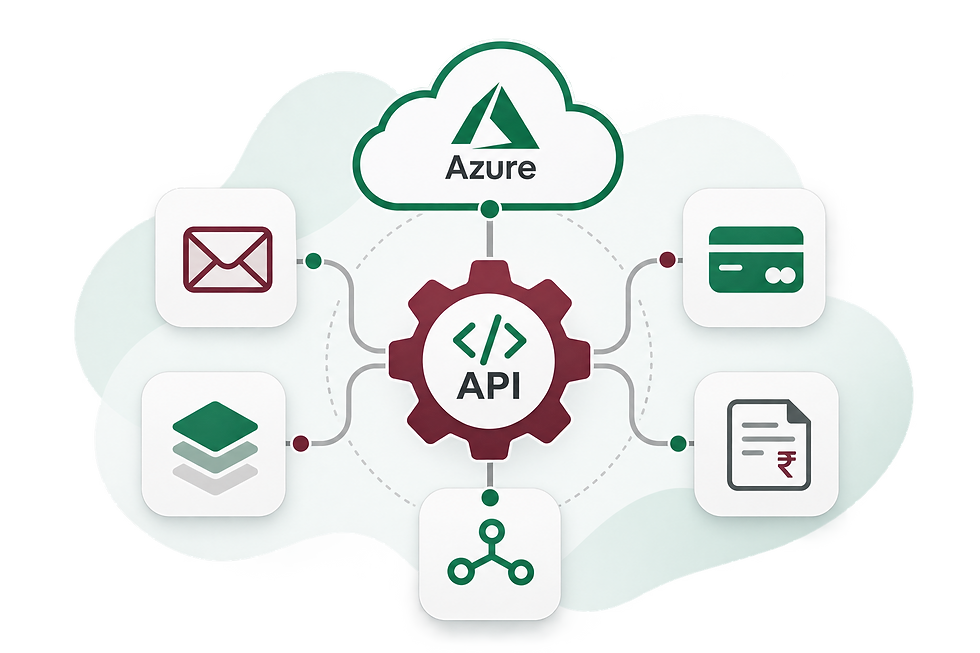
Azure Integration
Connect your CRM with Microsoft Azure services to create scalable, integrated business solutions. We implement API integrations, event-driven automation, and background processes to streamline workflows and improve operational efficiency.
Third-Party Integration
Bring your essential business applications together through seamless CRM integrations. From email delivery and invoice processing to tax automation, customer feedback, and data connectivity, we help create a more connected business ecosystem.

Power Platform & Business Intelligence
Empower your teams with customized business applications, automated workflows, and data-driven insights. Using Power Apps, Power Automate, and Power BI, we simplify everyday processes, improve visibility, and support informed decision-making.
Privacy, Deployment & Application Support
Build reliable CRM solutions with privacy-conscious processes and structured deployment practices. We support GDPR requirements through thoughtful data handling and access controls, while providing ongoing monitoring, issue resolution, and enhancements after deployment.

Specialized Expertise
Our expertise in Microsoft Dynamics 365 CRM, Power Platform, and related technologies enables us to develop effective solutions for complex business requirements.

Tailored Solutions
Every business has unique processes and challenges. We customize CRM applications, workflows, and integrations to align with your operational needs and business objectives.

Seamless Integration
We connect CRM systems with enterprise applications, Azure services, and third-party platforms to improve data access, streamline processes, and reduce manual effort.

Ongoing Support
From solution design and development to migration, deployment, and ongoing maintenance, we provide end-to-end services to support your CRM throughout its lifecycle.
Why Choose Us
We combine specialized Microsoft CRM expertise with a business-focused approach to deliver scalable, connected, and maintainable solutions that support your long-term goals.
Our Development Process

01
Requirements & Planning
Client Consultation
Gather initial requirements, business goals, and expectations
Market Research
Conduct research to analyze competitors, trends, and market needs
Project Plan
Develop a roadmap for the entire development process, breaking down tasks and deadlines
03
Development
Front & Back-end Development
Build UI/UX, server side logic, APIs and Database integration
Third-Party Integrations
Implement third-party services such as payment gateways, analytics, or social media APIs
Security Measures
Apply security best practices (e.g., data encryption, authentication, and authorization) to protect sensitive data
05
Deployment
Prepare Deployment Environment
Set up production servers, databases, and other services in preparation for go live
Deployment to Staging
Deploy the app to a staging environment that mirrors the production environment for final validation
Final Testing in Production
Perform a final round of testing in the live environment to ensure everything functions as expected
02
Design
UI/UX Design
Focus on user-friendly interfaces and seamless navigation
Architecture Design
Develop the overall architecture, including databases, frameworks, technology stack
System Design
Design backend infrastructure, including servers, databases, and APIs, if applicable
04
Testing
Unit & Integration Testing
Test individual components or functions of the application to ensure they work correctly
System & Performance Testing
Conduct end-to-end testing of the application and assess the app’s load time, responsiveness, and scalability
User Acceptance Testing (UAT)
Let a small group of actual users test the application in a real-world environment to see if it meets expectations
06
Post-Launch
Monitor Performance
Track the app’s performance, user activity, error logs, and crash reports using tools like Google Analytics
Bug Fixes and Updates
Address any bugs or issues that arise after launch and provide patches or updates
Release Updates
Continuously update the app with new features, enhancements, and bug fixes based on user feedback and evolving market needs

Our Products
Installer
CRM
Automation
Text Editor